The activation email
It contains the username, password, server address and the app link. If you cannot see it, check your spam folder.
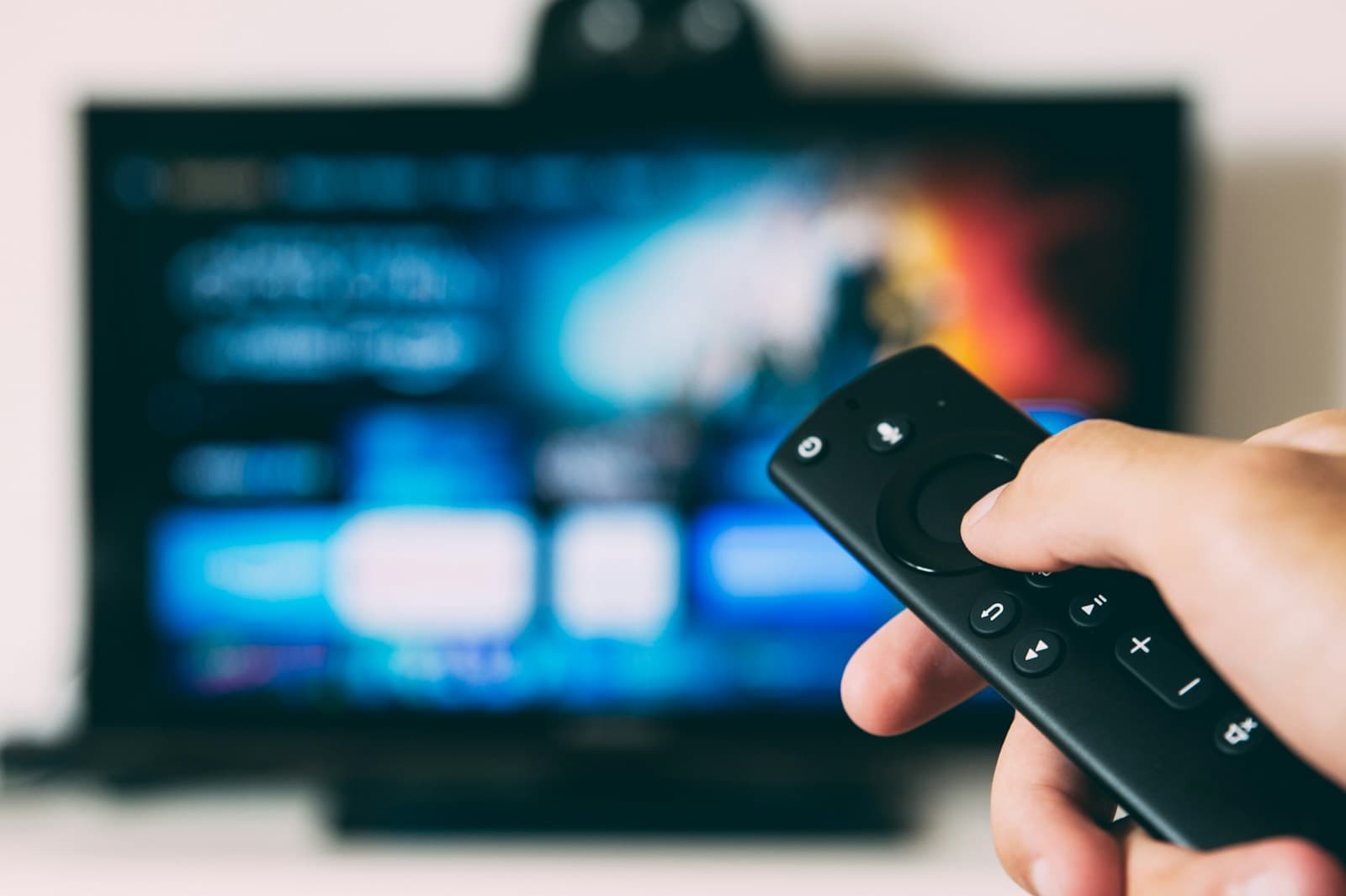
Choose your device and follow the steps. If you get stuck anywhere, send us a photo of the screen and we will help.
You will avoid most problems.
It contains the username, password, server address and the app link. If you cannot see it, check your spam folder.
At least 15 Mbps for Full HD and 30 Mbps for 4K. If you can, use an Ethernet cable.
Copy and paste. Capital and small letters matter, and there must be no space before or after.
The subscription works on up to 2 devices at once. You can install the app on more, but you will watch on two at a time.
On many older TVs the app is not in the store. A Firestick or an Android box takes 5 minutes to set up and solves the problem. Tell us the TV model and we will say whether it is worth it.
Server address, username and password. They load the guide (EPG) on their own, with no extra steps.
A link with the channel list. Useful when the app does not accept Xtream.
Have an Android device and want a clean programme guide? Many people choose TiviMate, which is a separate app and not ours. See how to add your list to TiviMate.
Try them in this order. Usually the first two are enough.
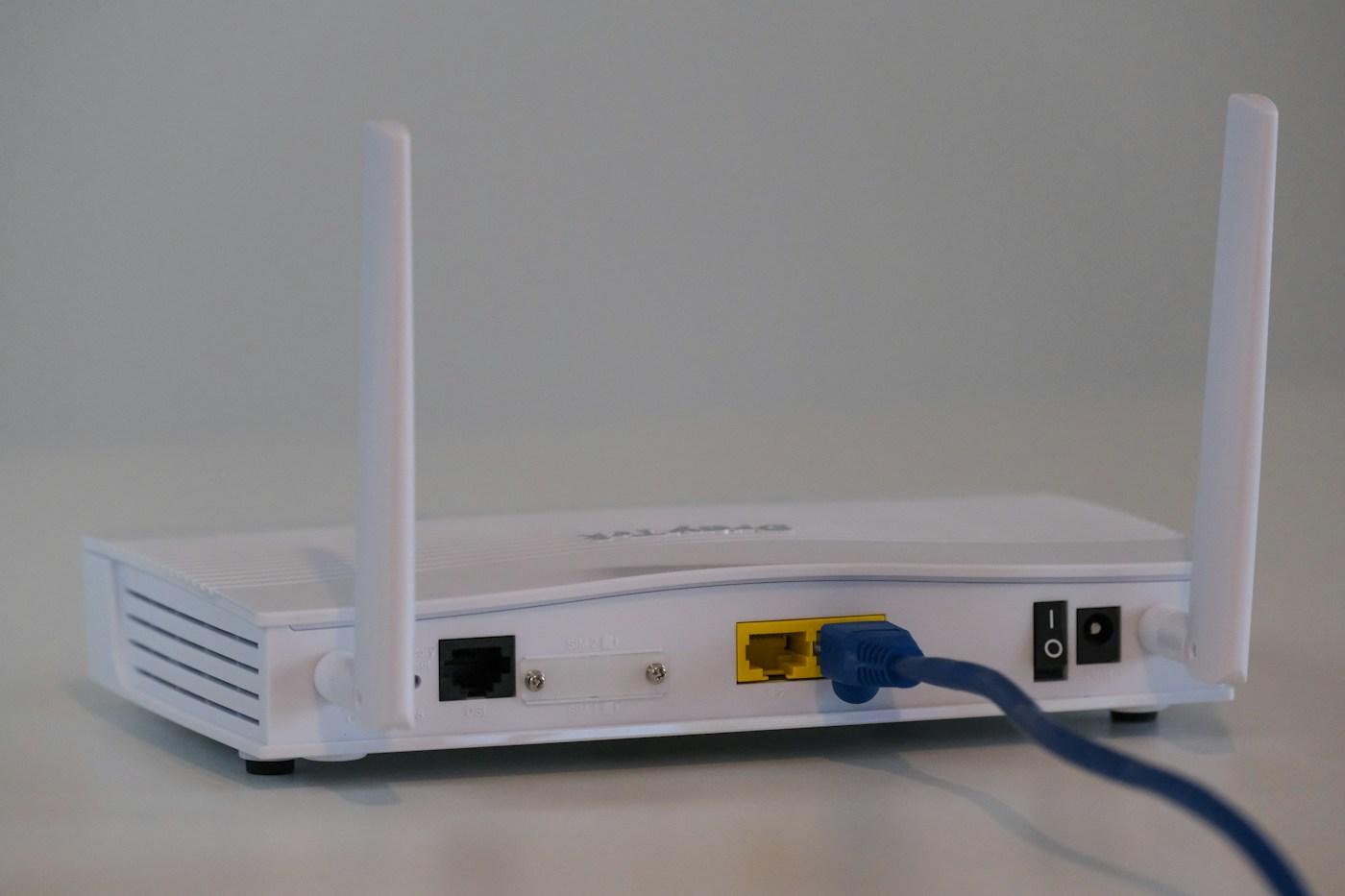
On the TV or the box. It is the biggest difference you can make.
If a cable is not possible, switch to the network named “5G” and move the device closer to the router.
Unplug it for 30 seconds and plug it back in.
Updates and other screens that download during the match eat bandwidth.
In the app settings try the Hardware or Software decoder.
Use an Ethernet cable or switch to 5 GHz Wi-Fi. Restart the router (unplug it for 30 seconds). Close other devices that are downloading. If it only happens in the evening, tell us your provider and the time.
Change the player inside the app (there is usually a “Hardware” / “Software” decoder option). Try another channel to see whether it is general or only one channel.
Copy the details from the email using paste. Watch for capital/small letters and for spaces before or after. The server address must not end in “/”.
Wait 2–3 minutes after the first login, then refresh the EPG from the app settings. Check that the device time and time zone are correct (Greece, GMT+2).
Usually the link was cut when copied, or it has a space at the start or end. Paste it again in full and check that the device time is correct. On Android, try the Xtream details instead of M3U.
Each plan works on up to 2 devices at once. If you watch on two, the third will be cut off until you close one.
Tell us the device and what you see on screen. We usually solve it within a few minutes.