1 Month
To try it out
€12.99
€12.99/month
- All channels & VOD
- FHD / 4K quality
- Up to 2 devices at once
- EPG & Catch-up
- Support in Greek
- 7-day guarantee
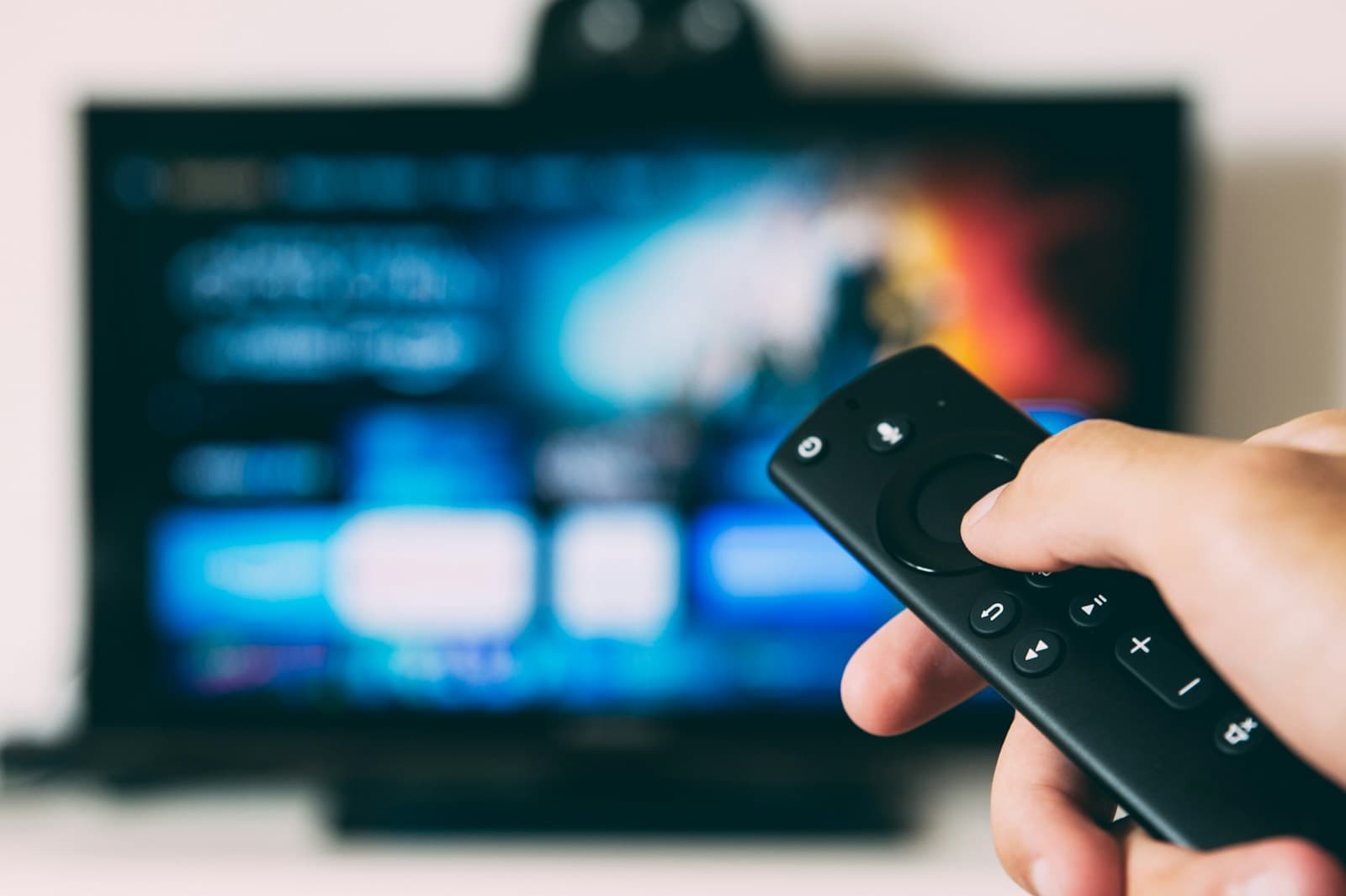
You pay, get your details by email and follow 6 simple steps. If you get stuck anywhere, we help. 7-day guarantee.
It is not hard, but there are four spots where almost everyone loses time:
Below we have all of them, step by step.
Allow 5–10 minutes the first time.
Most models (Lite, 4K, 4K Max, Fire TV Cube) allow apps to be installed. Newer models running Vega OS, such as the Fire TV Stick Select, do not allow apps outside the Amazon Appstore. If you have one of those, message us before you pay.
Settings → My Fire TV → Developer options → Install unknown apps. Cannot see Developer options? Go to Settings → My Fire TV → About and press the device name 7 times.
From the home screen tap search, type “Downloader”, install it and allow access to files when it asks. Then enable it under “Install unknown apps”.
Open Downloader, type the app link from the activation email and press Go. When it has downloaded, tap Install.
Open the app and copy the username, password and server address exactly as in the email, with no spaces and with no “/” at the end of the address.
The first time, the channel list and the guide (EPG) take 1–3 minutes. Add the channels you watch often to your favourites so you can reach them with one press.
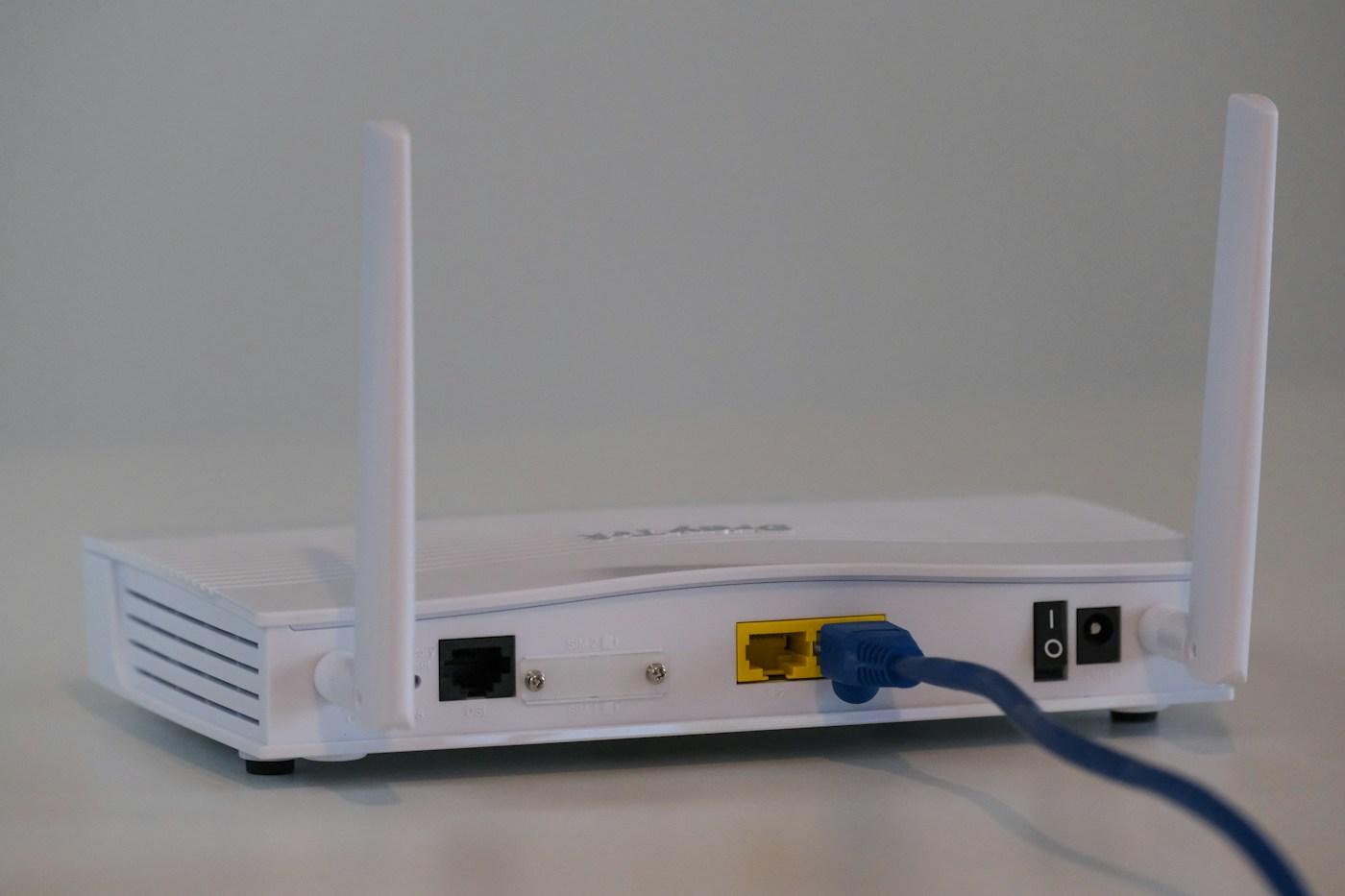
Want help with other devices too? See the setup guide.
It works fine on the Firestick: install it and add the list with the Xtream details or the M3U link from the email. The steps are on the M3U and TiviMate page.
The price is the same for every device. 7-day guarantee and no automatic renewal.
To try it out
€12.99/month
Save 23%
€10.00/month
Save 36%
€8.33/month
Lowest price per month
€6.67/month
Secure payment · 7-day money-back guarantee · Activation in 5–15 minutes
Not sure yet? See how to try it without an IPTV free trial.
Most models running Fire OS (Fire TV Stick Lite, 4K, 4K Max, Fire TV Cube) allow apps to be installed. Newer models running Vega OS, such as the Fire TV Stick Select, do not allow apps outside the Amazon Appstore. If you have one of those, message us before you order.
Go to Settings → My Fire TV → About and press the device name 7 times. Developer options will then appear.
Usually a stray space or a capital letter is the cause. Copy the username, password and server address exactly as they appear in the email, with no space at the end and no “/” at the end of the address.
Then the Firestick’s Wi-Fi is the issue. Try the 5 GHz network or add an Ethernet adapter for the Firestick. See the steps in the setup guide too.
Yes. Install TiviMate, tap “Add playlist” and enter the Xtream details or the M3U link from the email. The steps are in detail on the M3U & TiviMate page.
The subscription is the same for every device, from €6.67 a month with the 12-month plan. You pay nothing extra for the Firestick.

Send us the model and we will tell you straight away if it works. If you subscribe and it will not set up, we refund your money.